
Alerts to stores
Send each store its tracking link, and tell it when the load leaves, runs late, or is close.
Every store message is off by default. An admin turns each one on in Settings, Operation. Texting and email have to be set up for your account first.
Send each store its link
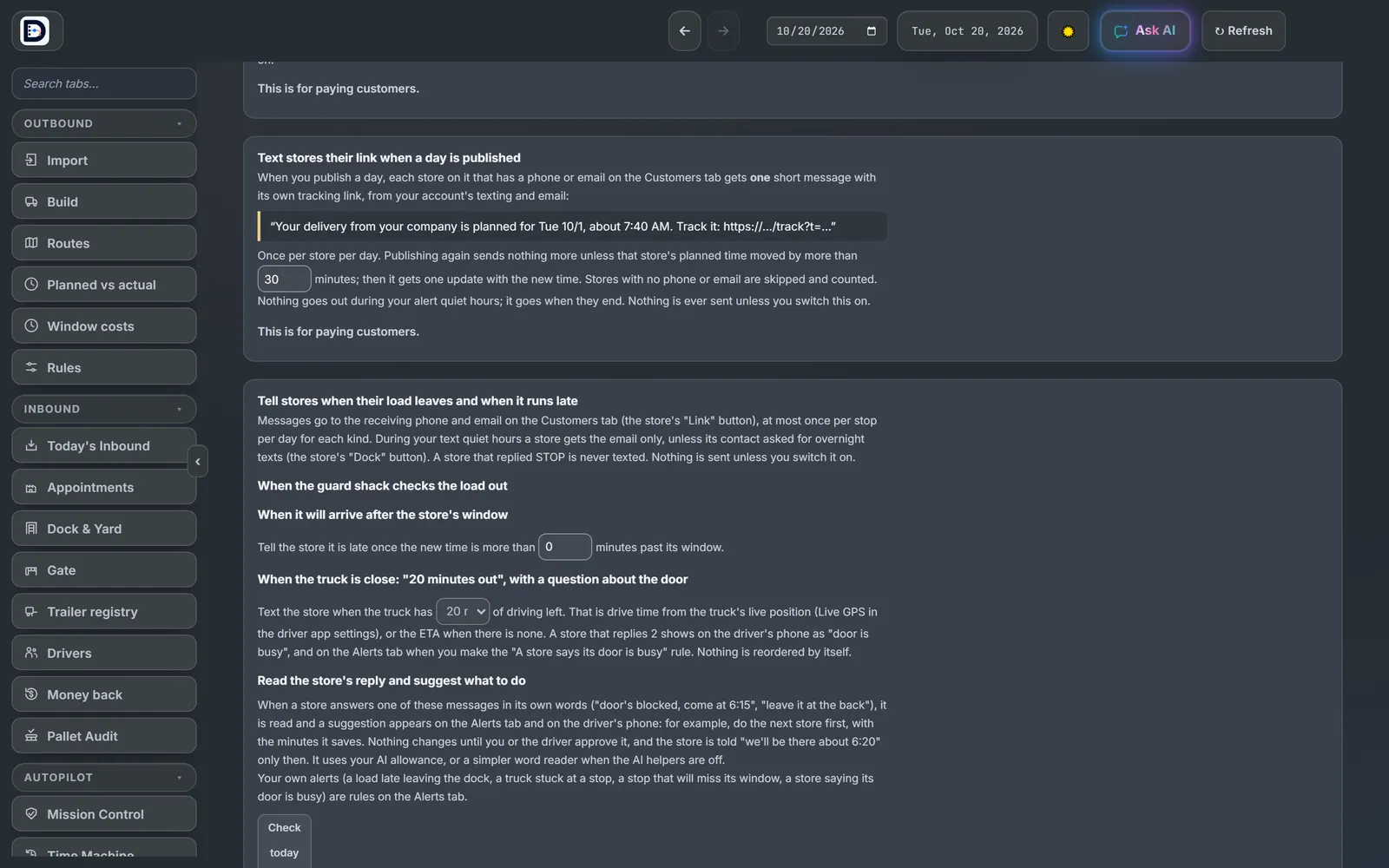
Text stores their link when a day is published. When you publish, each store with a phone or email on the Customers tab gets one short message with its own tracking link. Publishing again sends nothing more, unless that store's time moved by more than the minutes you set. Stores with no phone or email are skipped and counted.
Tell stores what is happening
Tell stores when their load leaves and when it runs late has four switches:
- When the guard shack checks the load out.
- When it will arrive after the store's window, past the minutes you set.
- When the truck is close (10, 20 or 30 minutes out). The store can reply 1 for door open or 2 for door busy.
- Read the store's reply and suggest what to do.
The limits
- At most once per stop per day for each kind.
- A store that replied STOP is never texted.
- In quiet hours a store gets email only, unless it asked for overnight texts.
A store's receiving phone and email live behind its Link button on the Customers tab. The tracking page shows the planned time, the arrival, and the proof of delivery. Your own alerts, such as a truck stuck at a stop, are rules on the Alerts tab.