
Set up trucks and vehicle types
Pallet spots, cube and weight for each kind of truck, how many you have today, and your own trailers.
In setup
The Trucks step lists your trucks with type, pallet spots, cube, weight and temperature (Dry, Reefer or Multi-temp). Pick a type and the numbers fill in, for example a 53' reefer at 26 spots, 2,600 cu ft and 43,500 lb. Fix anything that is off, then save.
The Fleet page
Open it from the Vehicle types link on the Today's fleet strip.
- Vehicle types: limits you know, such as pallet spots, cases, cube, weight, stops, hours and miles. The truck is full when any one runs out. Add compartments, equipment and cost too.
- Today's fleet: how many of each are available, how many runs each (1 to 6), and Make this the usual for that weekday.
- Case sizes: cube and weight per case, for orders that come in cases.
Vehicle types are not used until you add one. Until then the build uses the limits on the Build tab and in Optimizer Settings.
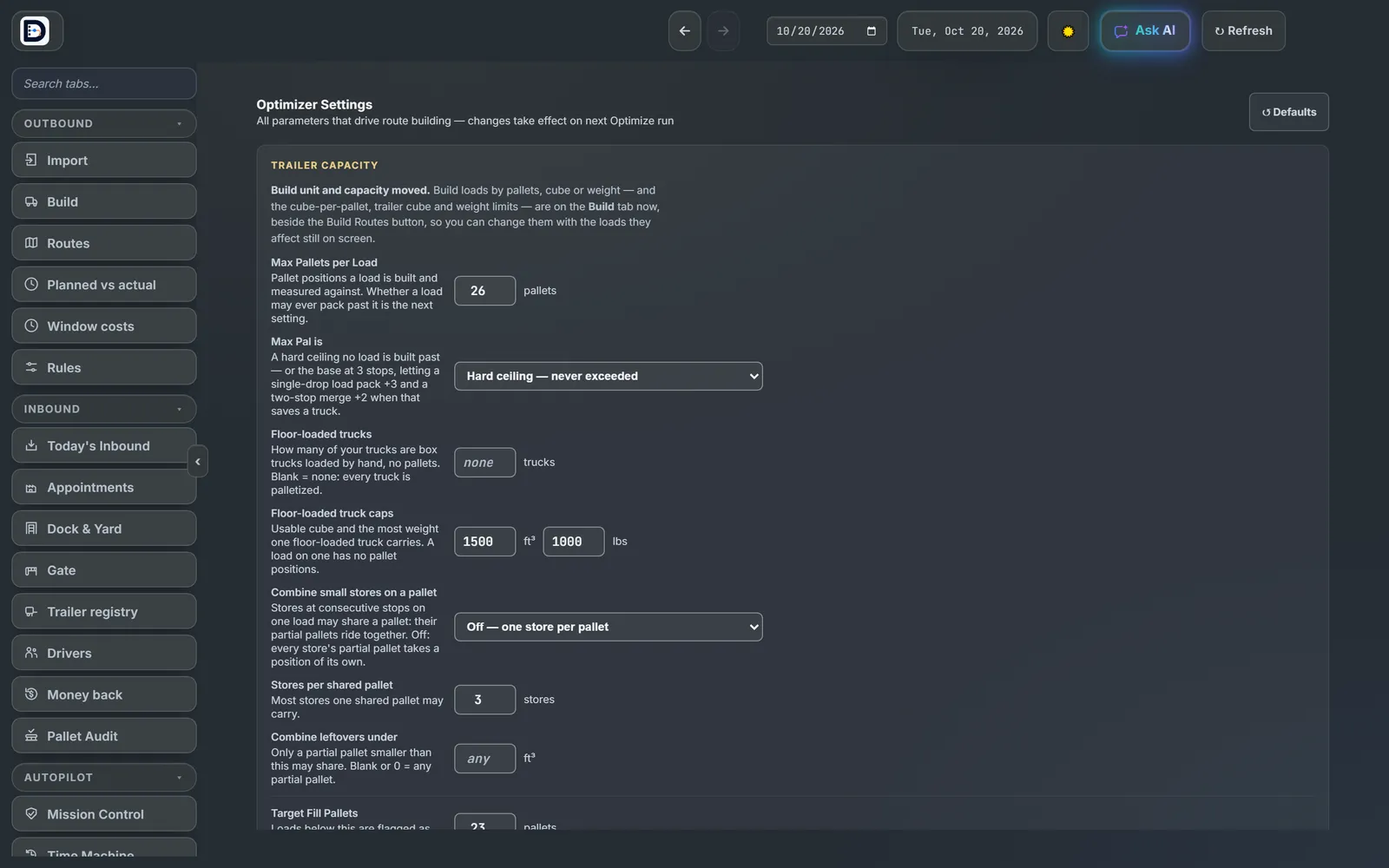
Optimizer Settings
Trucks Available starts blank. While it is blank, loads are not chained into truck runs. Max Runs per Truck is 4.
Next: build the loads.